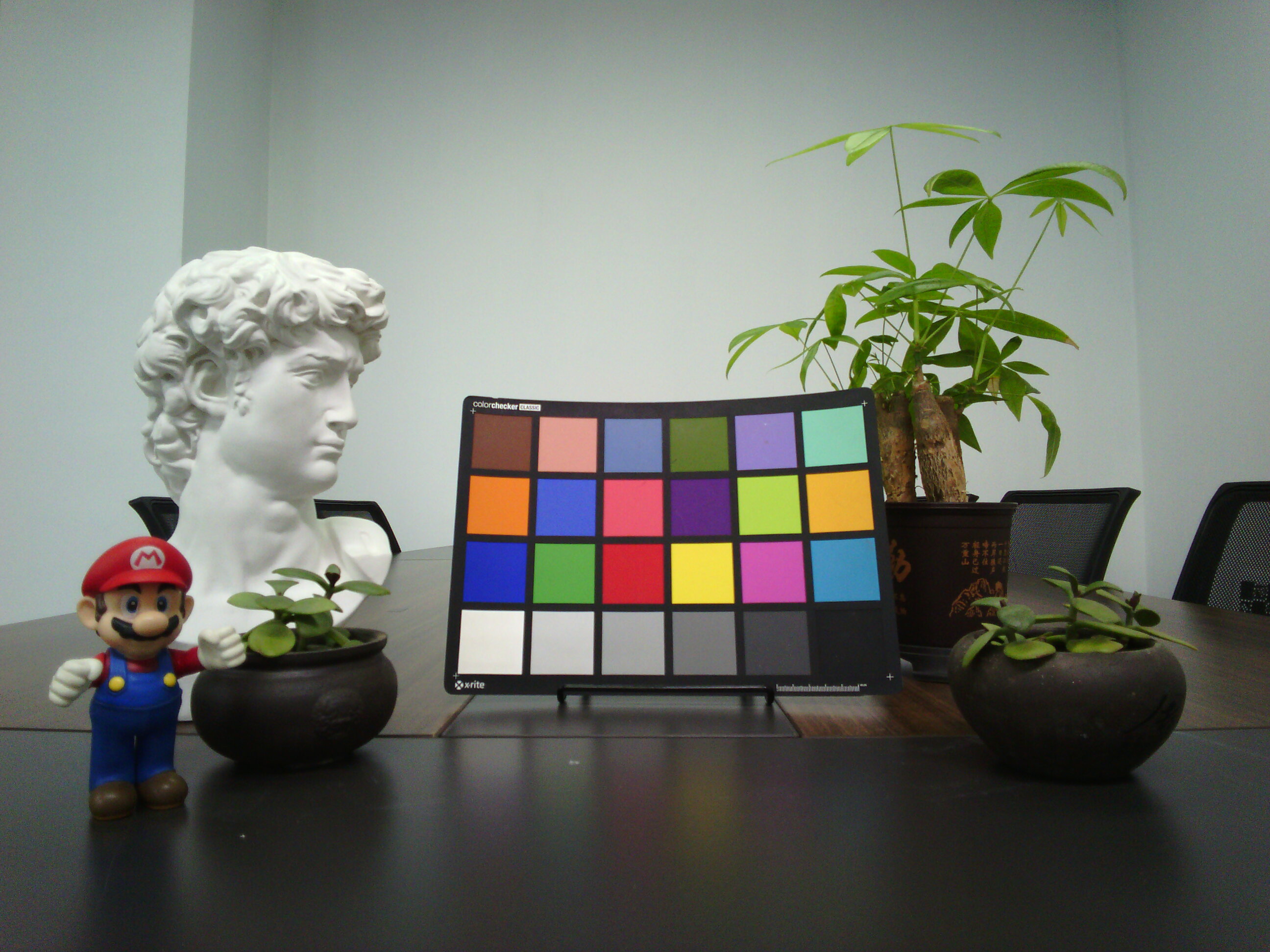
OV5645 Camera for Ezurio
Introduction
Overview
Arducam has established an in-depth strategic collaboration with Ezurio—a global leader in wireless connectivity technology—to pioneer a new era in embedded vision systems. Our inaugural co-developed product, the OV5645 Camera Module, represents not only a technological milestone in sensor-platform convergence but also embodies Arducam’s core philosophy: Driving industry transformation through partnership synergy.
We prioritize compatibility breakthroughs and partner ecosystem development at every stage, delivering vision solutions for embedded systems worldwide with superior integration, broader adaptability, and future-ready extensibility.
Specifications
| Image Sensor | |
|---|---|
| Sensor | OV5645 |
| Still Resolution | 5 Megapixel |
| Color Filter Type | Color |
| Shutter Type | Rolling Shutter |
| Optical Size | 1/4″ |
| Pixel Size | 1.4 µm x 1.4 µm |
| Sensor Active Area | 2592×1944 pixels |
| Output Format | UYVY |
| Video Modes | 2592x1944@16fps, 1920x1080@33fps, 1280x960@33fps; |
| IR Sensitivity | Integral IR-cut Filter, visible light only |
| Lens | |
| Focus Type | Fixed Focus |
| FOV | 88°(D)×74.3°(H)×58.4°(V) |
| Lens Mount | Stock Lens |
| F.NO | F2.0 |
| E.F.L | 2.46mm |
| Default Focus Range | 0.69m-∞ |
| Electrical and Mechanical | |
| Operating Temp. | 0°C to 50°C |
| Power Consumption | 3.3V / 300mA |
| Camera Board Size | 25*24mm |
| Functionality and Compatibility | |
| Supported Platform | Ezurio SMARC carrier board |
Product
| Product Image | SKU | Resolution | Active Pixels | Interface | Features | Focus Type | Focus Distance | Field of View(DxHxV) | IR Sensitivity |
|---|---|---|---|---|---|---|---|---|---|
 |
B0562 | 5MP | 2592×1944 | MIPI CSI-2 | Tiny Size | Fixed Focus | 0.69m-∞ | 84°(D)x66°(H)x42°(V) | Integral IR-cut Filter |
Quick Start Guide
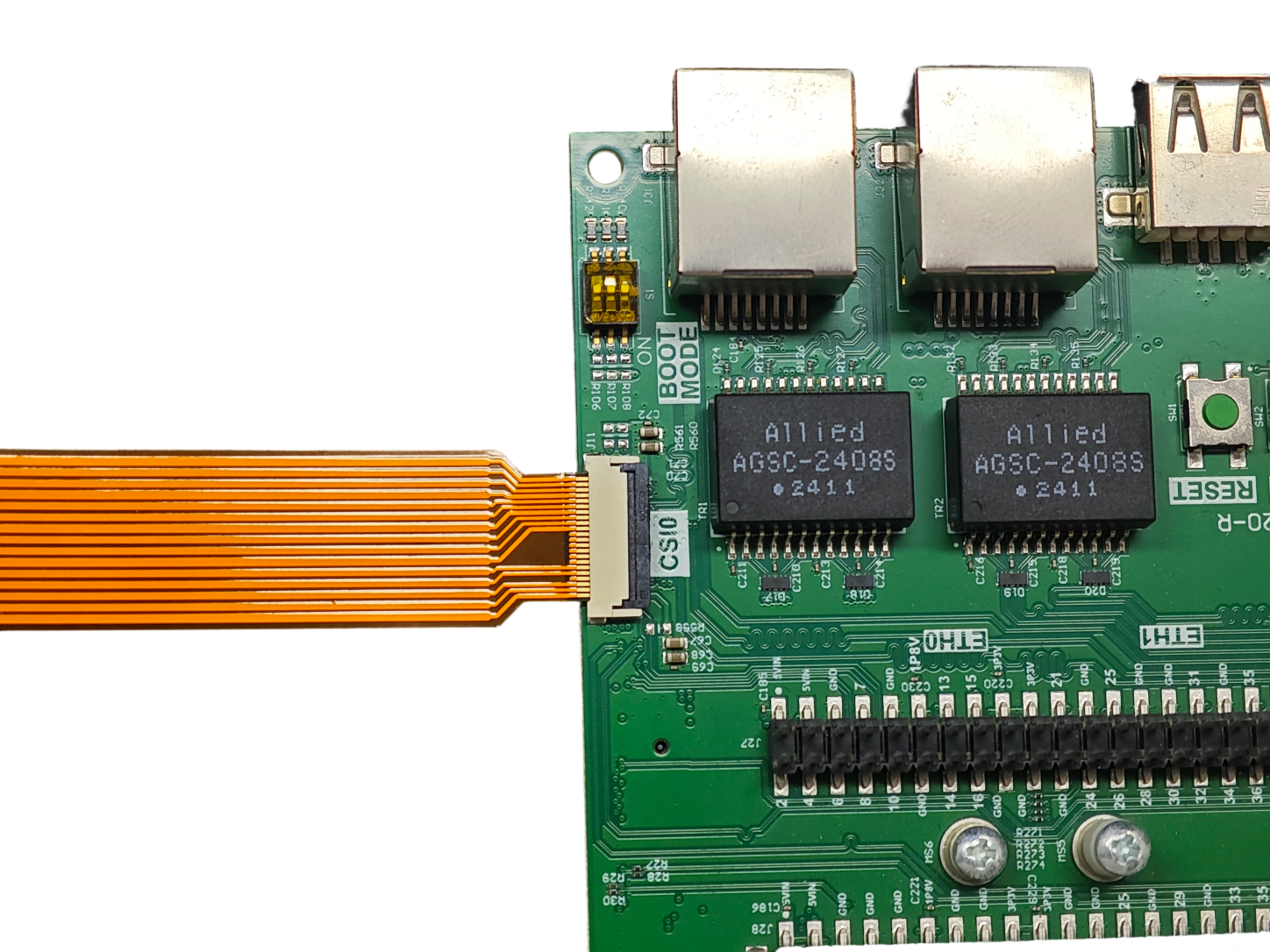
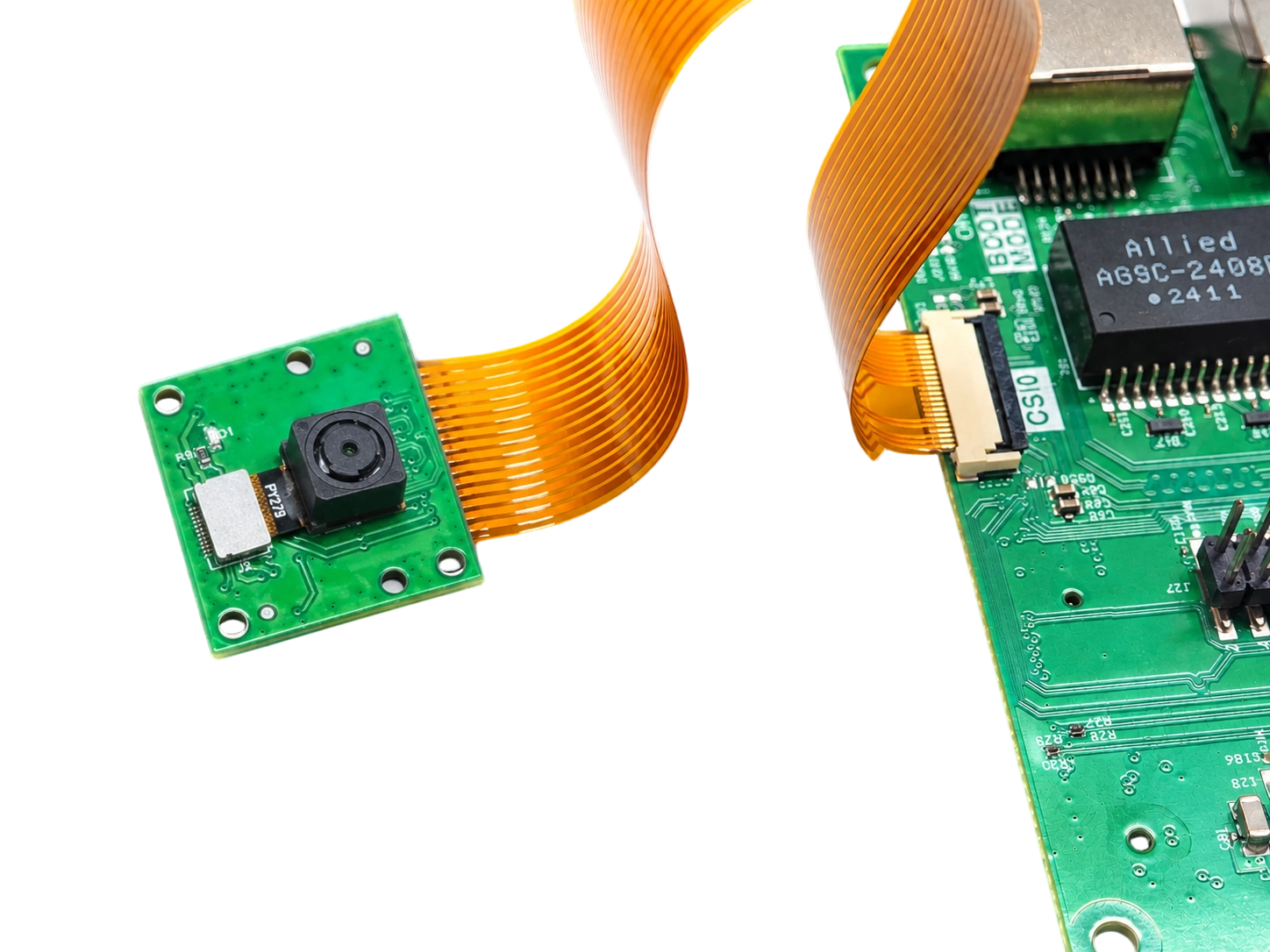
Hardware Connection
 |
 |
Software
-
Burn the Image
Note
The following steps are based on the Ezurio SMARC carrier board and Arducam OV5645 Camera module.
Image burning tutorial
-
Set Peripherals Mode
After logging in the mode must be set - the device will reboot after selection:
#Running without commands will produce a list of options
set-mode
#Select the specific peripherals
set-mode csi0-ov5645
-
Preview
gst-launch-1.0 -v v4l2src device=/dev/video0 ! "video/x-raw,width=2592,height=1944" ! waylandsink
-
Save Image
gst-launch-1.0 -v v4l2src device=/dev/video0 ! "video/x-raw,width=2592,height=1944" ! identity sync=true ! jpegenc ! multifilesink location="image.jpg"